22.1.6. 表单基本语法
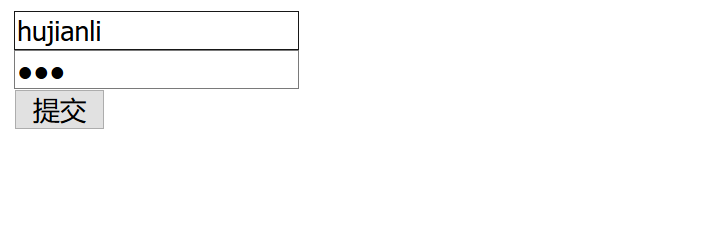
表单两属性
<!DOCTYPE html>
<html lang="en">
<head>
    <meta charset="UTF-8">
    <title>表单两属性</title>
</head>
<body>
<! --设置表单,并在表单中输入参数-->
<form action="show.aspx" method="get">
    <! --设置文本框-->
    <input type="text">
    <br>
    <! --设置密码框-->
    <input type="password">
    <br>
    <! --设置按钮提交-->
    <input type="button" value="提交">
</form>

</body>
</html>
单选框
<!DOCTYPE html>
<html lang="en">
<head>
    <meta charset="UTF-8">
    <title>单选框</title>
</head>
<body>
<! --设置3个单选框,并有多个单选框>
<form>
    <! --设置3个单选框,且都设置name为book-->
    <input type="radio" name="book">DIV
    <! --设置name为book,表示选项在book中任选一个-->
    <input type="radio" name=book checked>HTML
    <input type="radio" name=book>CSS
</form>

</body>
</html>

复选框
<!DOCTYPE html>
<html lang="en">
<head>
    <meta charset="UTF-8">
    <title>复选框</title>
</head>
<body>
<! --在表单中设置复选框-->
<form>
    <! --设置复选框且name为book-->
    <input type="checkbox" name="book">DIV知识
    <! --设置name为book的都在一个选项集内-->
    <input type="checkbox" name=book>HTML知识
    <input type="checkbox" name=book checked>CSS知识
    <input type="checkbox" name=book checked>HTML+CSS知识
</form>
</body>
</html>

设置下拉列表
<!DOCTYPE html>
<html lang="en">
<head>
    <meta charset="UTF-8">
    <title>下拉列表</title>
</head>
<body>
<! --设置表单,并包含下拉列表-->
<form>
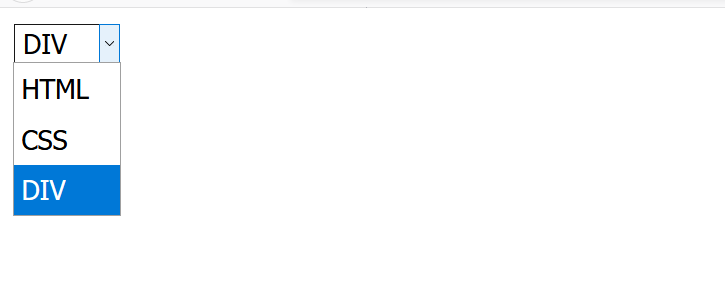
    <select>
        <! --设置选项-->
        <option>HTML</option>
        <option>CSS</option>
        <! --设置选项并用selected表示被选中-->
        <option selected>DIV</option>
    </select>

</form>

</body>
</html>
多行文本域
<!DOCTYPE html>
<html lang="en">
<head>
    <meta charset="UTF-8">
    <title>多行文本域</title>
</head>
<body>
<! --设置文本域和宽、高-->
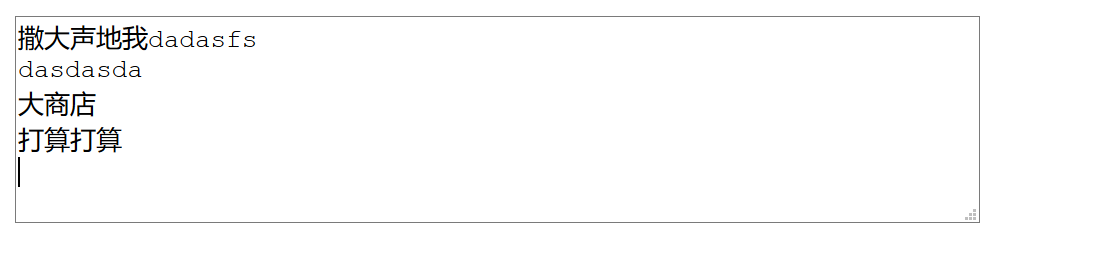
<textarea name="book" rows="6" cols="60"></textarea>

</body>
</html>
按钮
<!DOCTYPE html>
<html lang="en">
<head>
    <meta charset="UTF-8">
    <title>按钮</title>
</head>
<body>
<! --设置表单-->
<form>
    <! --设置文本框-->
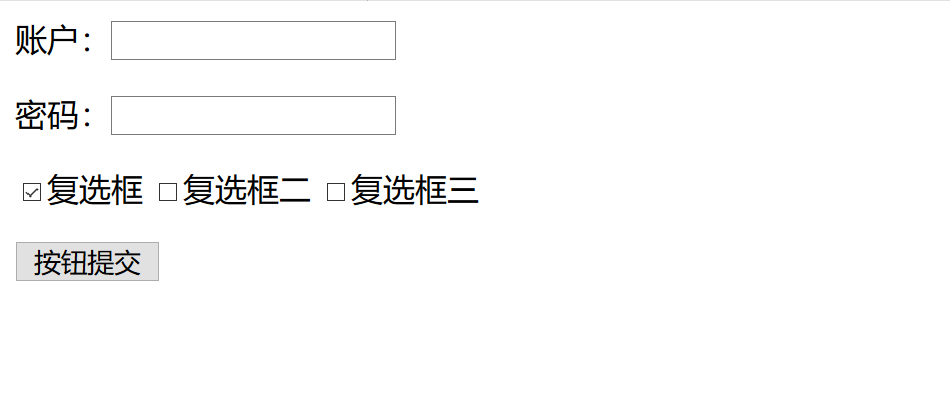
    账户:<input type="text"><p>
    <! --设置密码框-->
    密码:<input type="password"><p>

    <! --设置复选框-->
    <input type="checkbox" checked>复选框
    <input type="checkbox" >复选框二
    <input type="checkbox" >复选框三
    <p>
    <! --设置按钮-->
    <input type="submit" value="按钮提交">
</form>

</body>
</html>
用户表单实例
<!DOCTYPE html>
<html lang="en">
<head>
    <meta charset="UTF-8">
    <title>表单实例手把手</title>
</head>
    <! --设置表单-->
<body>
<form>
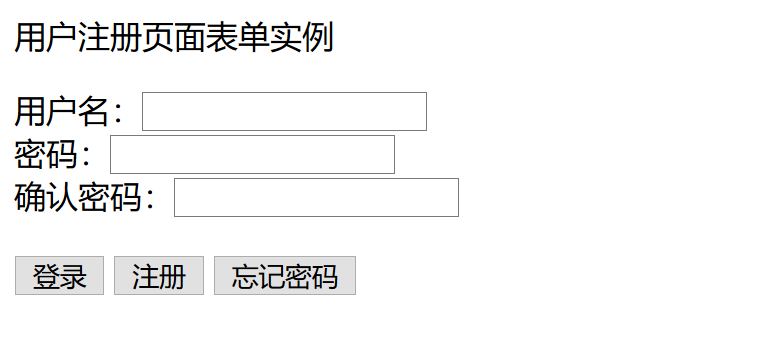
    <p>用户注册页面表单实例</p>
    用户名:<input type="text">
    <br>
    密码:<input type="password">
    <br>
    <! --设置表单中的确认密码框-->
    确认密码:<input type="password">
    <br>
    <br>
    <! --设置按钮-->
    <input type="submit" value="登录">
    <input type="submit" value="注册">
    <input type="submit" value="忘记密码">
</form>

</body>
</html>
表单实例手把手02
<!DOCTYPE html>
<html lang="en">
<head>
    <meta charset="UTF-8">
    <title>表单实例</title>
</head>
<body>
<form>
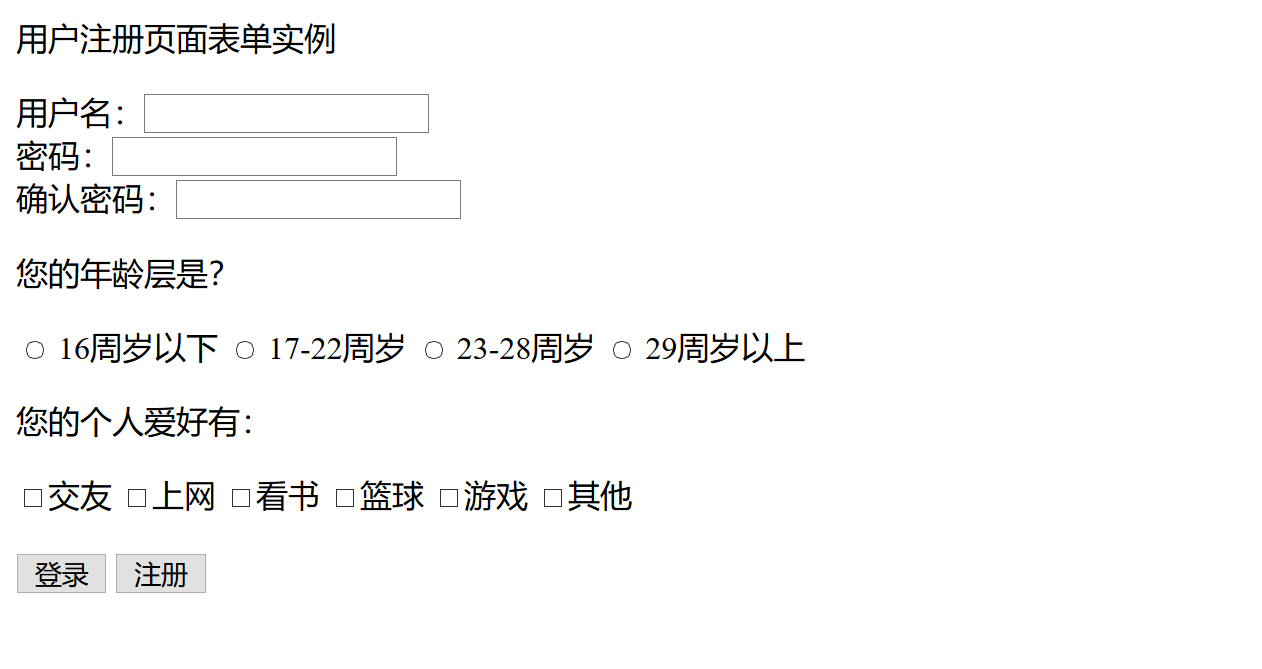
    <p>用户注册页面表单实例</p>
    用户名:<input type="text">
    <br>
    密码:<input type="password">
    <br>
    <! --设置表单中的确认密码框-->
    确认密码:<input type="password">

    <! --设置表单中的单选框-->
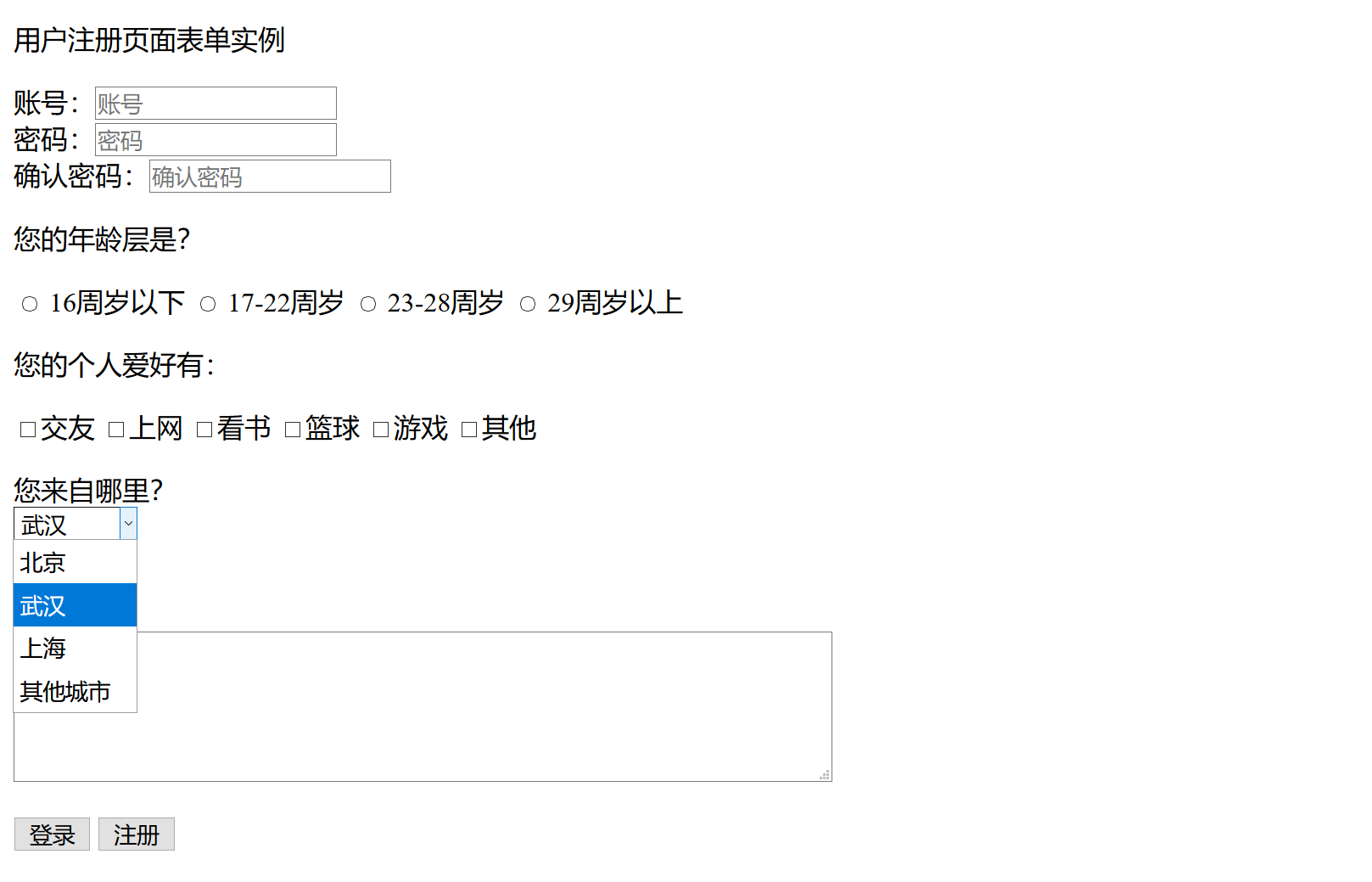
    <p>您的年龄层是?</p>
    <input type="radio" name="reg"> 16周岁以下
    <input type="radio" name="reg"> 17-22周岁
    <input type="radio" name="reg"> 23-28周岁
    <input type="radio" name="reg"> 29周岁以上

    <! --设置表单中的复选框-->
    <p>您的个人爱好有:</p>
    <input type="checkbox" name="reg">交友
    <input type="checkbox" name="reg">上网
    <input type="checkbox" name="reg">看书
    <input type="checkbox" name="reg">篮球
    <input type="checkbox" name="reg">游戏
    <input type="checkbox" name="reg">其他
    <br>
    <br>
    <! --设置按钮-->
    <input type="submit" value="登录">
    <input type="submit" value="注册">
</form>

</body>
</html>
用户注册实例03
<!DOCTYPE html>
<html lang="en">
<head>
    <meta charset="UTF-8">
    <title>用户注册页面表单实例</title>
</head>
<body>
<form>
    <p>用户注册页面表单实例</p>
    账号:<input class="username" name="log" required="required" type="text" placeholder="账号">
    <br>
    密码:<input class="password" name="pwd" required="required" type="password" placeholder="密码">
    <br>
    <! --设置表单中的确认密码框-->
    确认密码:<input type="password" placeholder="确认密码">

    <! --设置表单中的单选框-->
    <p>您的年龄层是?</p>
    <input type="radio" name="reg"> 16周岁以下
    <input type="radio" name="reg"> 17-22周岁
    <input type="radio" name="reg"> 23-28周岁
    <input type="radio" name="reg"> 29周岁以上

    <! --设置表单中的复选框-->
    <p>您的个人爱好有:</p>
    <input type="checkbox" name="reg">交友
    <input type="checkbox" name="reg">上网
    <input type="checkbox" name="reg">看书
    <input type="checkbox" name="reg">篮球
    <input type="checkbox" name="reg">游戏
    <input type="checkbox" name="reg">其他

    <p>您来自哪里?<br>
    <! --设置表单下拉框-->
        <select name="come">
            <option>北京</option>
            <option selected>武汉</option>
            <option>上海</option>
            <option>其他城市</option>
        </select>
        <p> 自我介绍:</p>
    <! --设置表单文本域-->
    <textarea cols="60" rows="5"></textarea>
    <br>
    <br>
    <! --设置按钮-->
    <input type="submit" value="登录"><input type="reset" value="重置">
</form>

</body>
</html>